

Stop wasting time and money on hiring web developers.
Create a powerful website with AI in just 5 min.
Here's how to create a website with 10web AI Website Builder in 5 easy steps:
Create a powerful website with AI in just 5 min.
Here's how to create a website with 10web AI Website Builder in 5 easy steps:
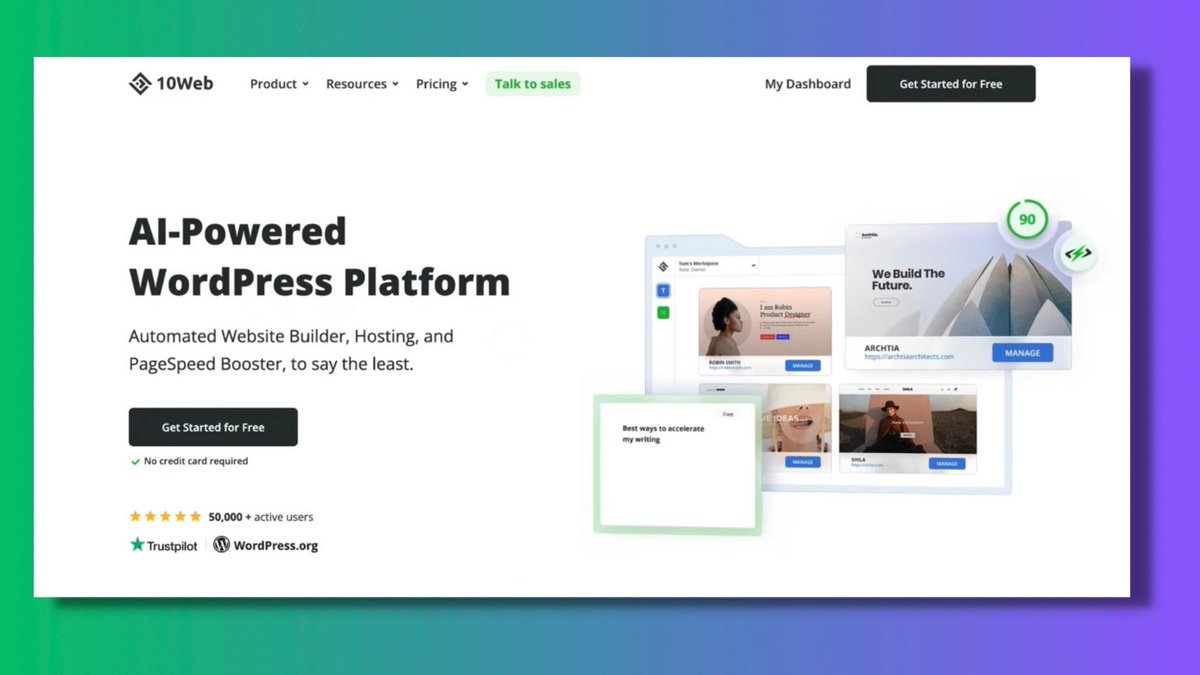
2. Get started.
Let's start creating your website.
• You must click "Create a new website with AI."
• Then add your business type.
I choose "Consulting" & then click on "Next."
Let's start creating your website.
• You must click "Create a new website with AI."
• Then add your business type.
I choose "Consulting" & then click on "Next."

3. AI website builder.
Now AI will ask you some questions about your business.
• Your name
• Company details
• 3 main services you provide
• Brief description of yourself
And then click on “Finalize.”
Now AI will ask you some questions about your business.
• Your name
• Company details
• 3 main services you provide
• Brief description of yourself
And then click on “Finalize.”

4. Customize your website pages.
Now that your website is ready.
Click on the option “Preview & edit.”
So that you can customize your website with the well-known editor for WP.
• Fonts
• Colors
• Heading & columns
• Adding or removing the elements
Now that your website is ready.
Click on the option “Preview & edit.”
So that you can customize your website with the well-known editor for WP.
• Fonts
• Colors
• Heading & columns
• Adding or removing the elements

5. Add more pages.
It's simple to add more pages.
• Insert the homepage URL to recreate the layout.
• Choose any of the layout templates.
You can also start from scratch with a blank canvas.
It's simple to add more pages.
• Insert the homepage URL to recreate the layout.
• Choose any of the layout templates.
You can also start from scratch with a blank canvas.
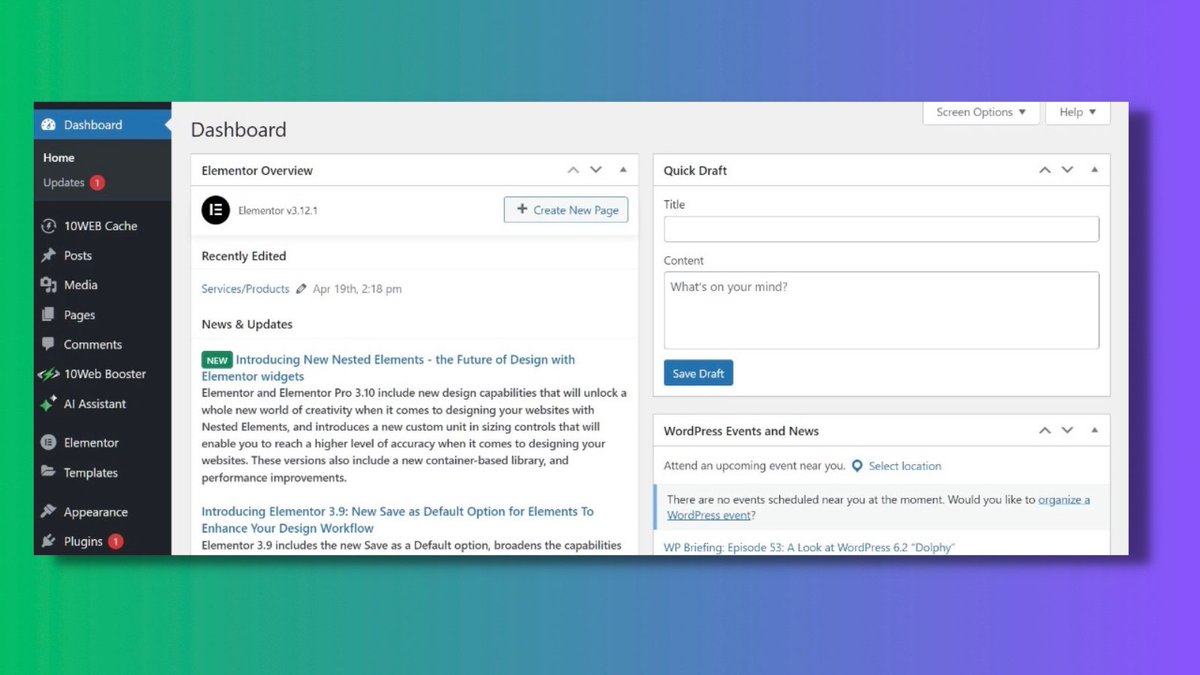
More features:
• SEO tools
• Image optimization
• Design your elements & content
• Convert your website into WordPress
Thousands of people have used this AI to create their websites for free.
It’s worth giving it a try for your business - @10Web_io
• SEO tools
• Image optimization
• Design your elements & content
• Convert your website into WordPress
Thousands of people have used this AI to create their websites for free.
It’s worth giving it a try for your business - @10Web_io
@10Web_io TL;DR
1. Get Started.
2. Add more pages.
3. AI website builder.
4. Set up your account.
5. Customize your website pages.
1. Get Started.
2. Add more pages.
3. AI website builder.
4. Set up your account.
5. Customize your website pages.
f you liked this thread:
1. Follow @MakadiaHarsh for more such threads on AI and Productivity.
2. Retweet the first one to help others.
1. Follow @MakadiaHarsh for more such threads on AI and Productivity.
2. Retweet the first one to help others.
Join the 7,000+ subscribers and get free access to "Tech that Matters" weekly newsletter.
Delivering actionable insights on AI, ChatGPT prompts, No-code, Productivity.
techthatmatters.beehiiv.com
Delivering actionable insights on AI, ChatGPT prompts, No-code, Productivity.
techthatmatters.beehiiv.com
جاري تحميل الاقتراحات...