

Convert Figma design to production-ready app in 5 simple steps 🧵:
Step 1:
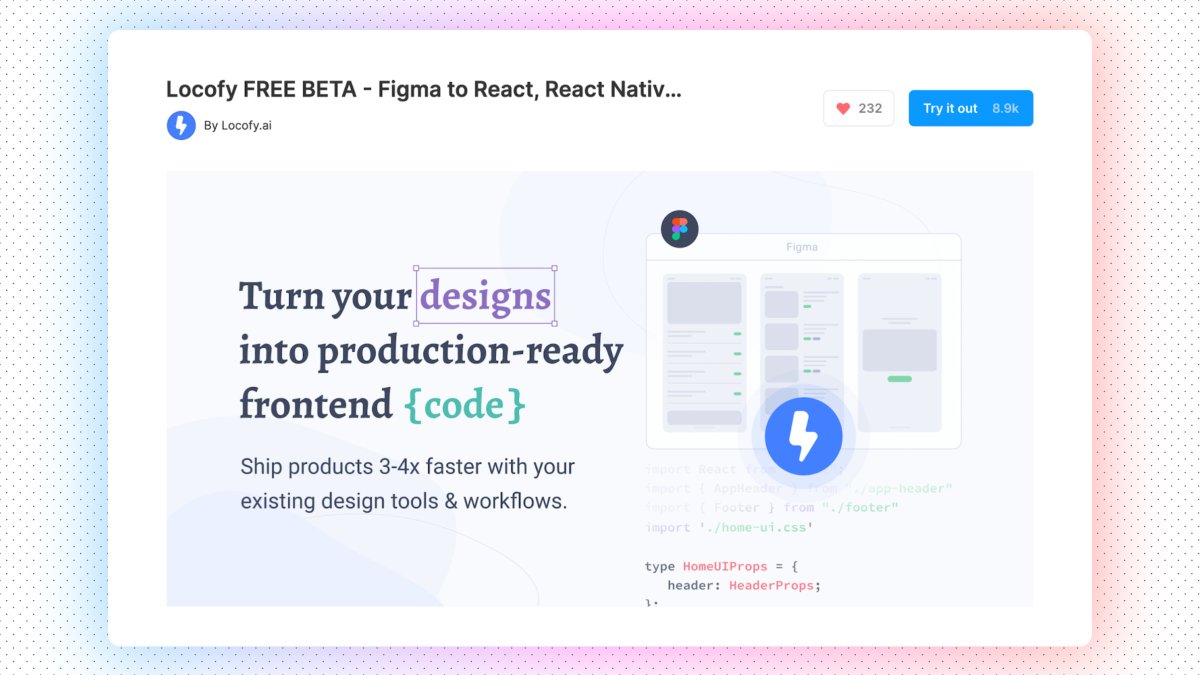
Install the locofy.ai plugin on Figma and start with an existing design or get a cool design template from the Figma community.
Install the locofy.ai plugin on Figma and start with an existing design or get a cool design template from the Figma community.
Step 2:
Start by tagging your layers such as inputs, buttons, videos, and more to generate semantically correct code.
They also have LocoAI that scans through your design to help identify elements to tag.
Start by tagging your layers such as inputs, buttons, videos, and more to generate semantically correct code.
They also have LocoAI that scans through your design to help identify elements to tag.

Step 3:
You can generate quality responsive code that uses flexbox. Create custom media queries and define styles for different breakpoints.
You can also add custom CSS for total flexibility.
You can generate quality responsive code that uses flexbox. Create custom media queries and define styles for different breakpoints.
You can also add custom CSS for total flexibility.

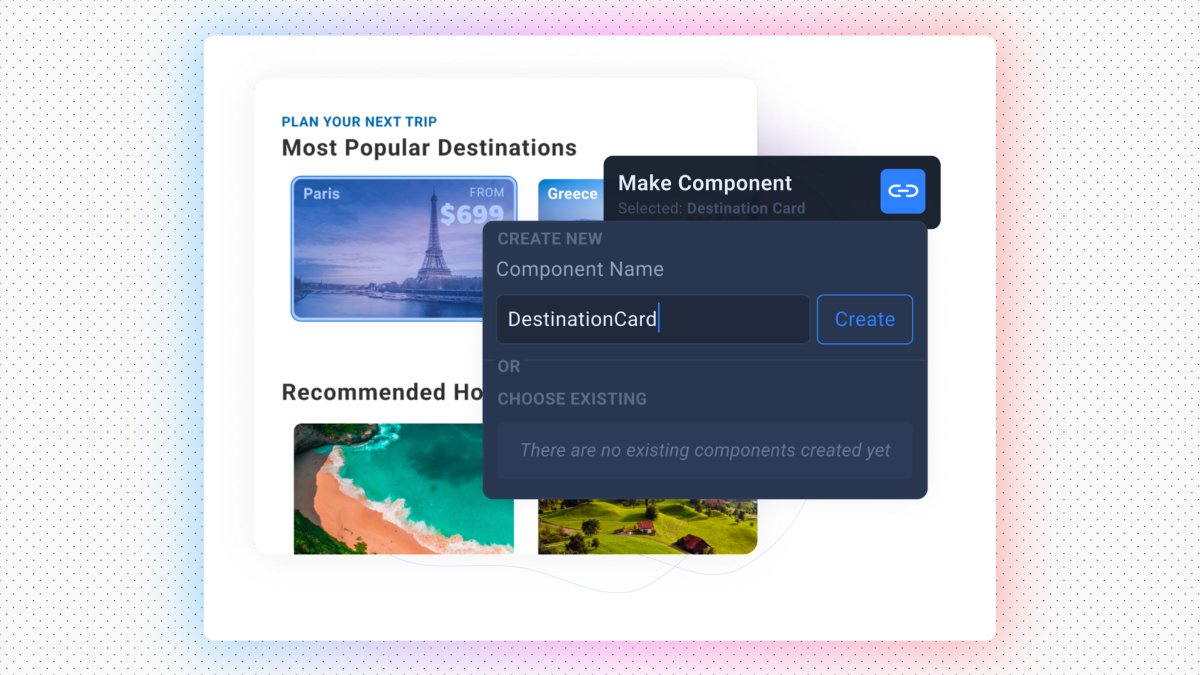
Locofy allows you to make reusable components and add props for dynamic content - giving you fine-grained control over your component structure.
Step 4:
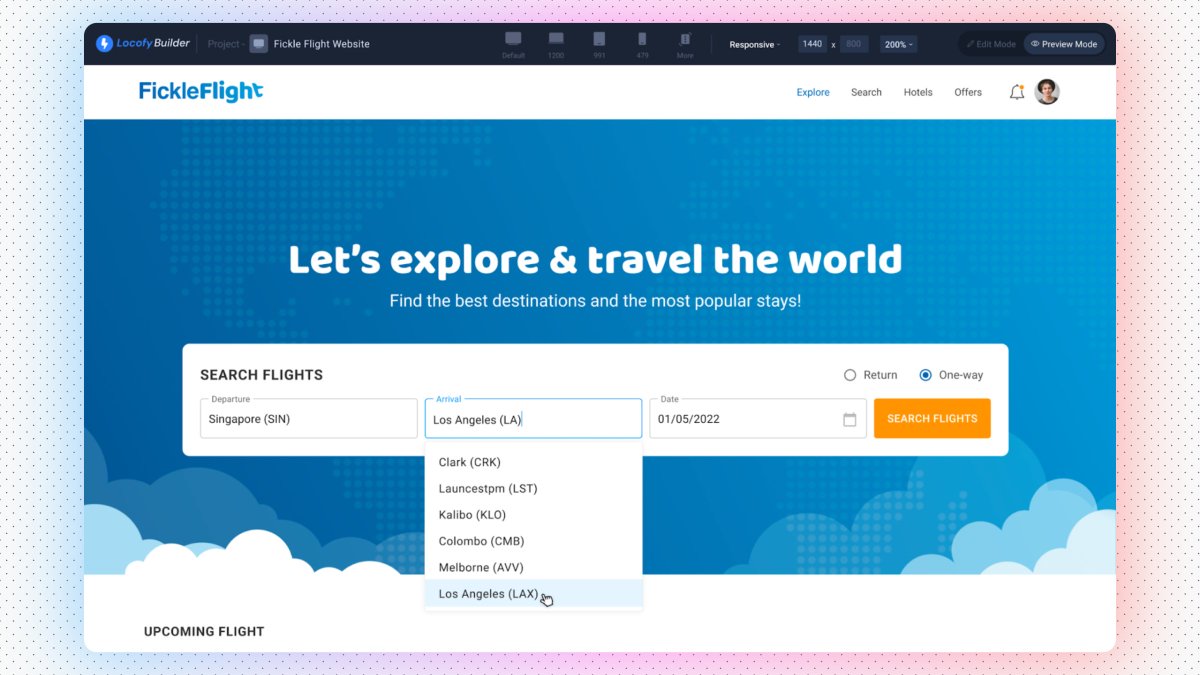
View a prototype that runs on live code - before writing a single line of code. Share easily to align with collaborators and teammates using a simple link.
View a prototype that runs on live code - before writing a single line of code. Share easily to align with collaborators and teammates using a simple link.
Step 5:
Once you are happy with your code, you can deploy directly to Netlify or Vercel or export code to continue integrating with APIs and backend.
Once you are happy with your code, you can deploy directly to Netlify or Vercel or export code to continue integrating with APIs and backend.

Locofy works with your favorite libraries and stacks.
Use UI Libraries like Material UI, Bootstrap, Ant Design, Chakra UI, React Native Paper, and UI Kitten. Soon you’ll be able to import your own existing design system.
Use UI Libraries like Material UI, Bootstrap, Ant Design, Chakra UI, React Native Paper, and UI Kitten. Soon you’ll be able to import your own existing design system.
Locofy is currently available for Figma to React, React Native, HTML/CSS, Next.js, and Gatsby. Support for AdobeXD, Flutter, Vue, and Angular is coming soon.
I really love this tool, especially since it is entirely free.
I highly recommend you check this out. #ad
I highly recommend you check this out. #ad
جاري تحميل الاقتراحات...