

Finally, time to show some of my most used Powerpoint plugins, add-ins, and resources. All of them are free. Perfect for anyone in #MedEd who gives presentations. If anyone has anything they particularly love, please share! #FOAMed #Presentation #PowerPoint
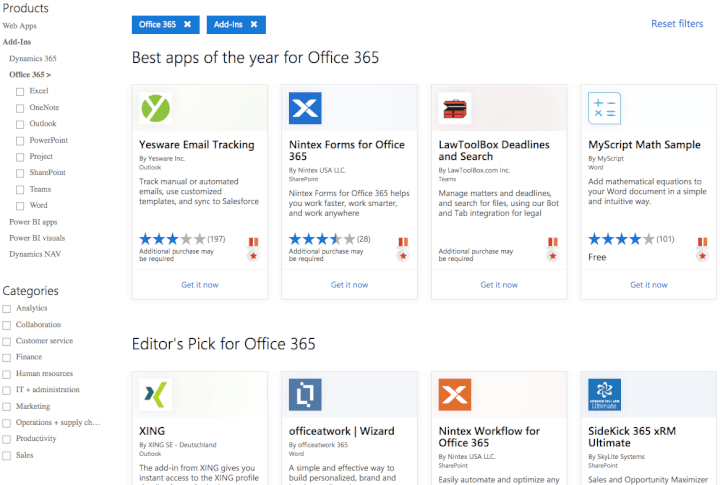
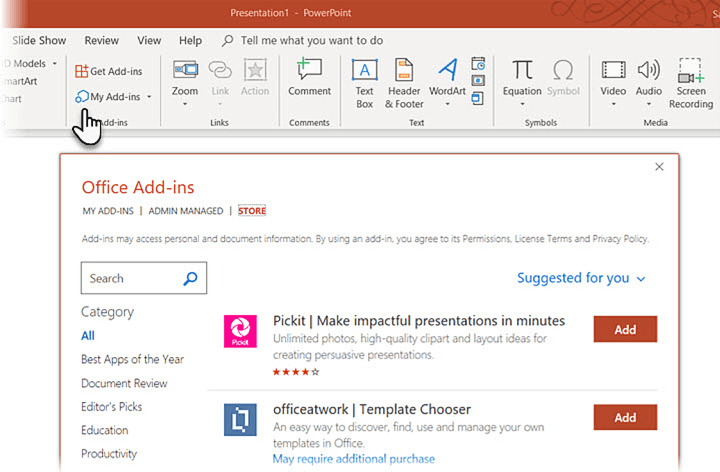
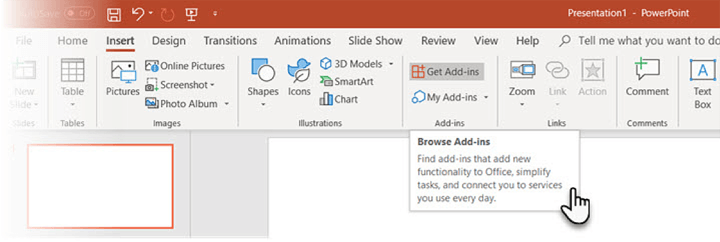
First off, here’s how to add plugins from the office AppSource: support.office.com
AppSource: appsource.microsoft.com
AppSource: appsource.microsoft.com
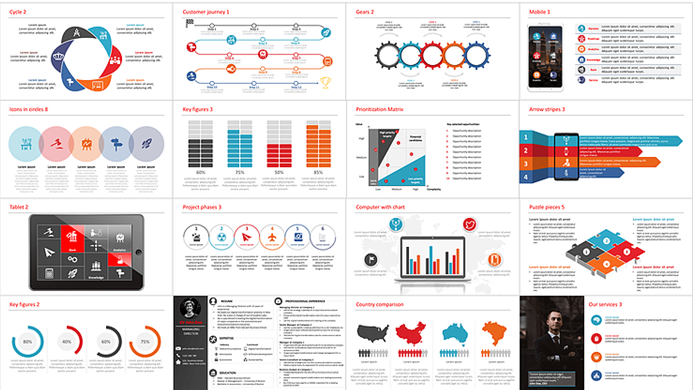
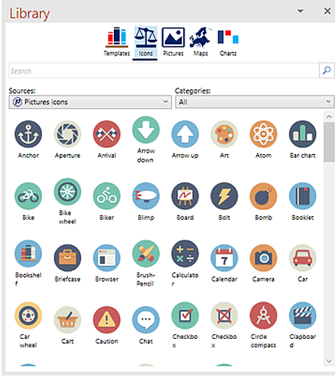
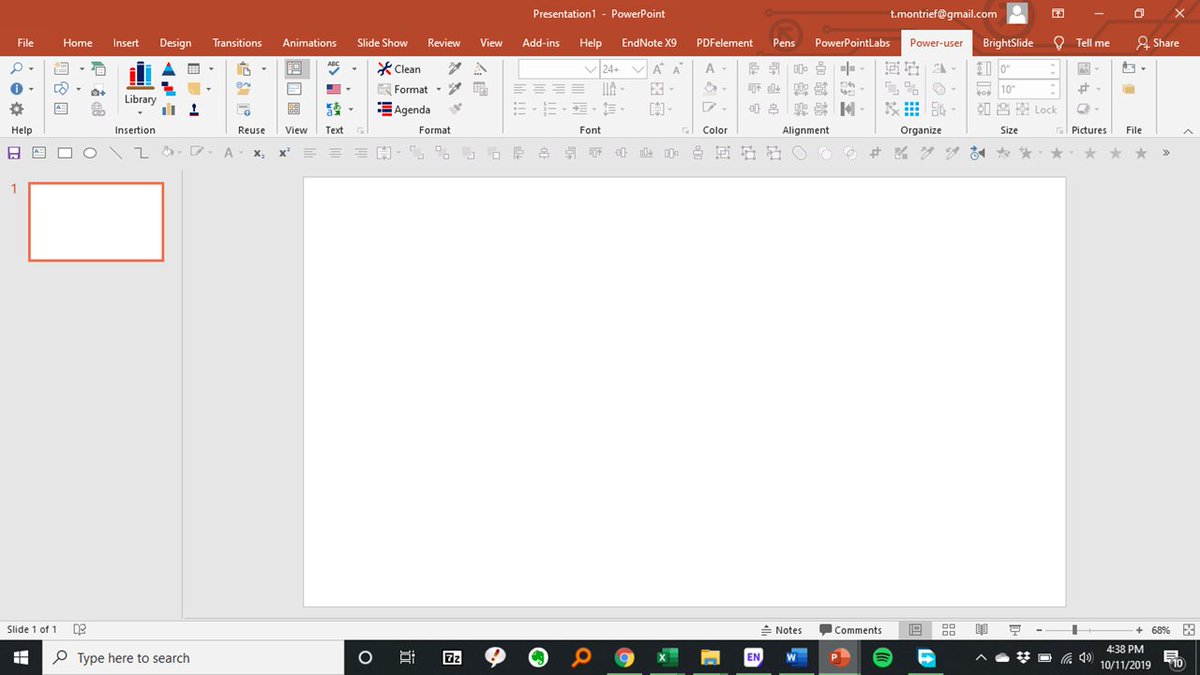
PowerUser: The best “all in one” plugin. Templates, icons, diagrams, pics, & maps. You can automate formatting tasks (changing colors, font, charts or alignment) for your entire presentation automatically. Free, and premium free with a .edu email! Here: powerusersoftwares.com
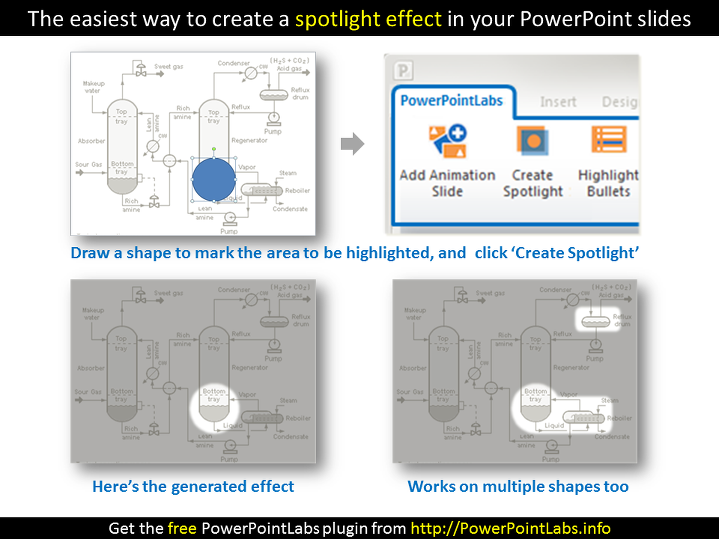
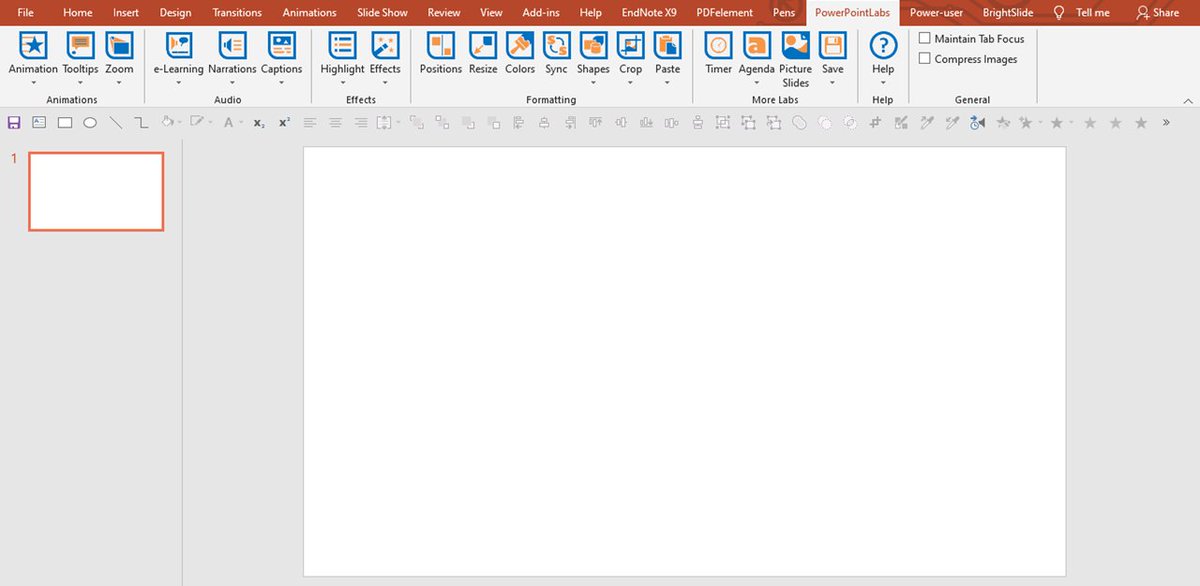
PowerPoint Labs: A time-saving tool that offers several features. For example, light up a certain piece of a slide; highlight points, segments of text and background; zoom a particular section of a slide; crop out a single object of an image, etc. Here: comp.nus.edu.sg
QR4Office: is a clean, quick, and easy-to-use QR generator specifically built into powerpoint.
Here: appsource.microsoft.com
Here: appsource.microsoft.com
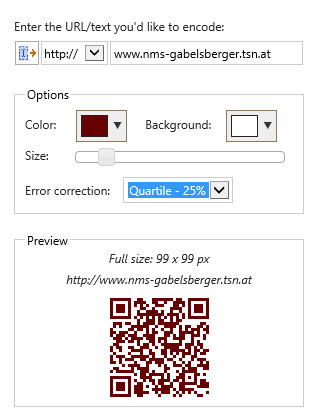
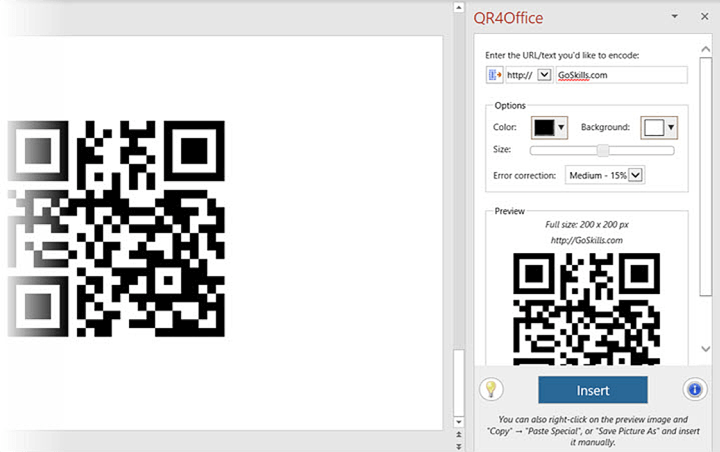
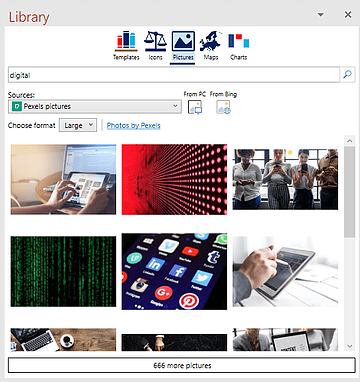
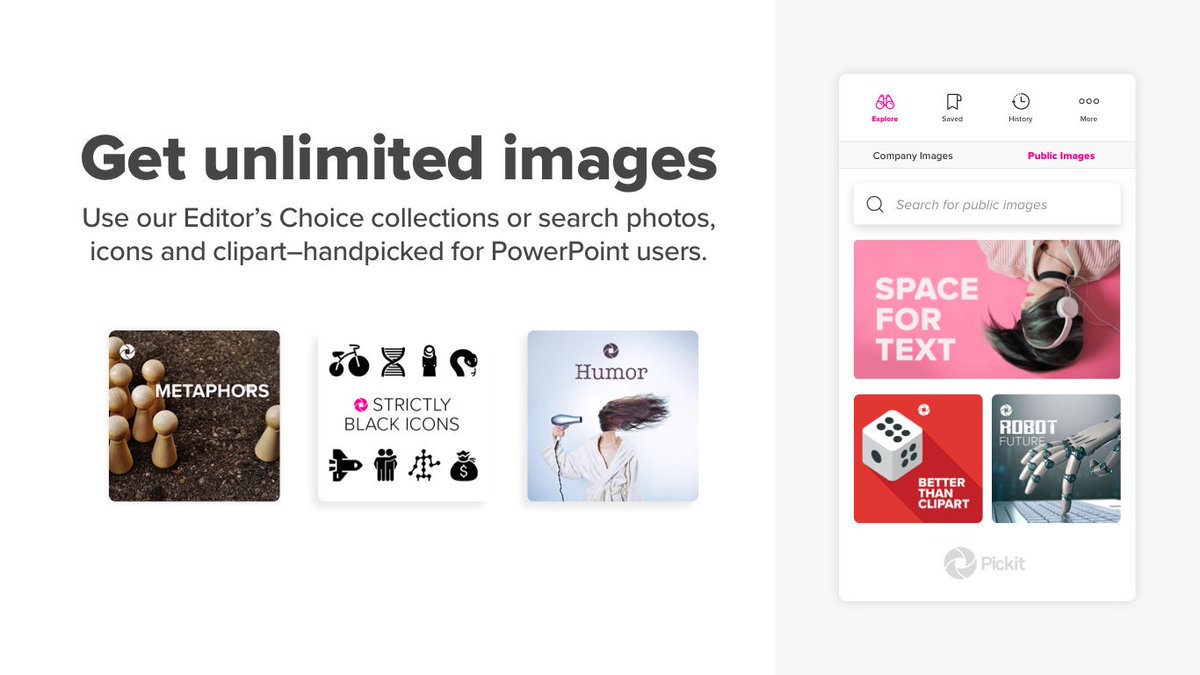
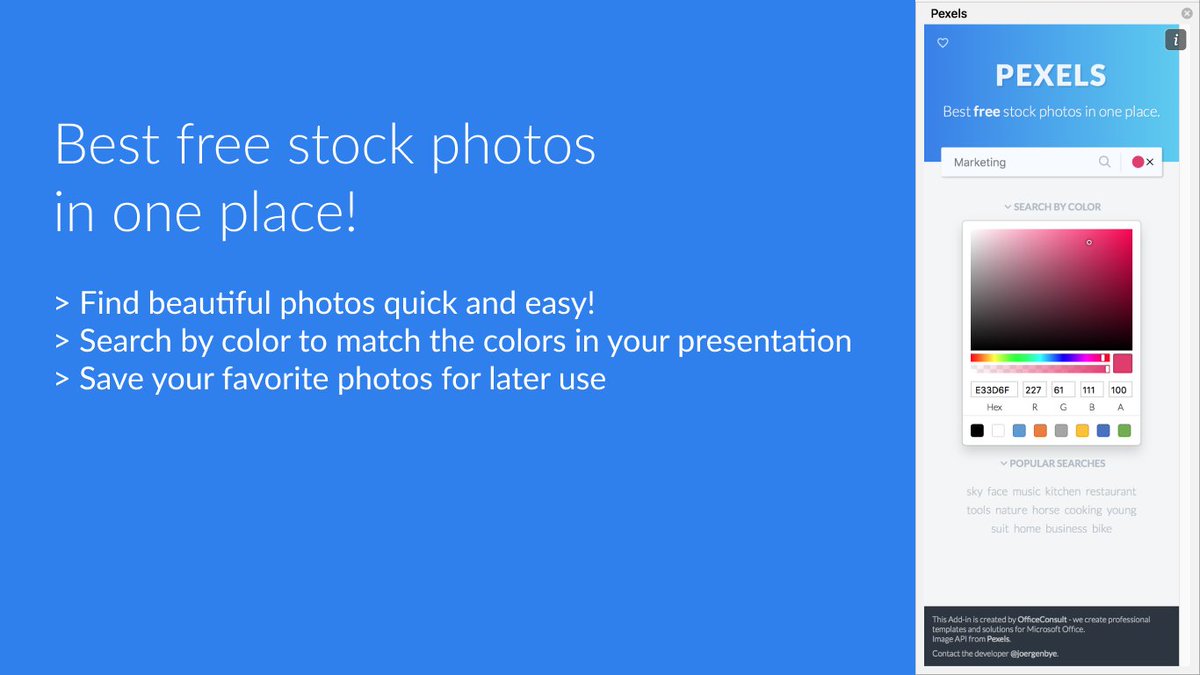
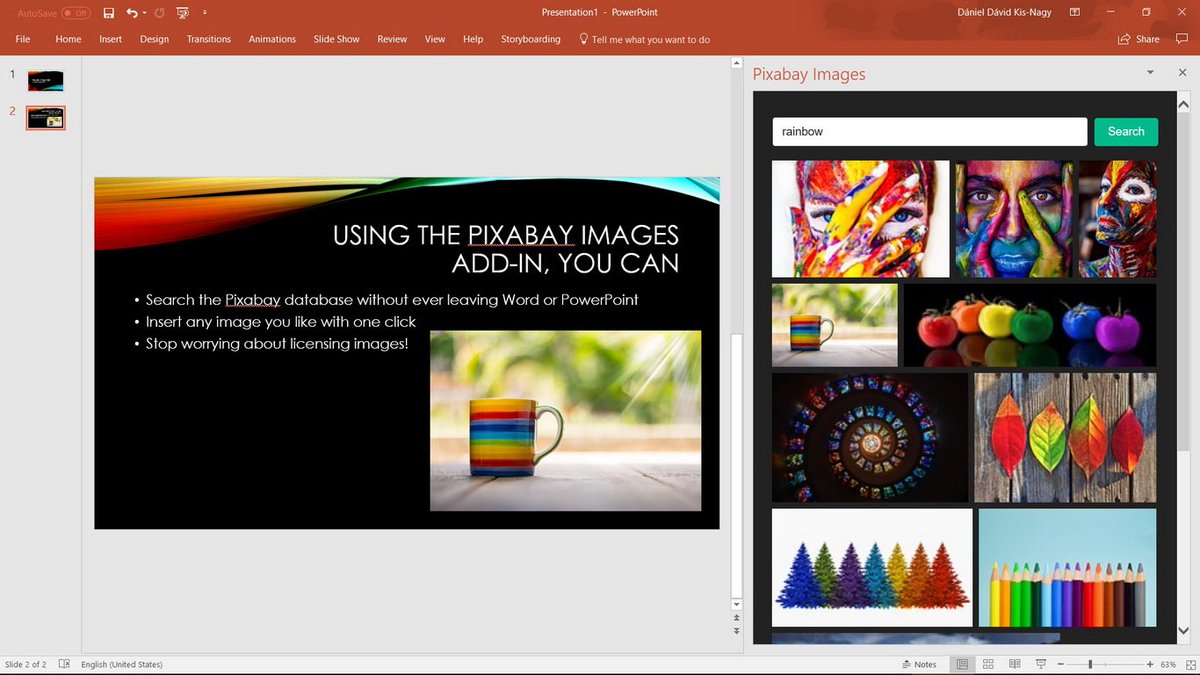
Image plugins: Multiple different add-ins for directly insert royalty-free images to your slide from within powerpoint.
Pickit: appsource.microsoft.com
Pexels: appsource.microsoft.com
Pixabay: appsource.microsoft.com
Pickit: appsource.microsoft.com
Pexels: appsource.microsoft.com
Pixabay: appsource.microsoft.com
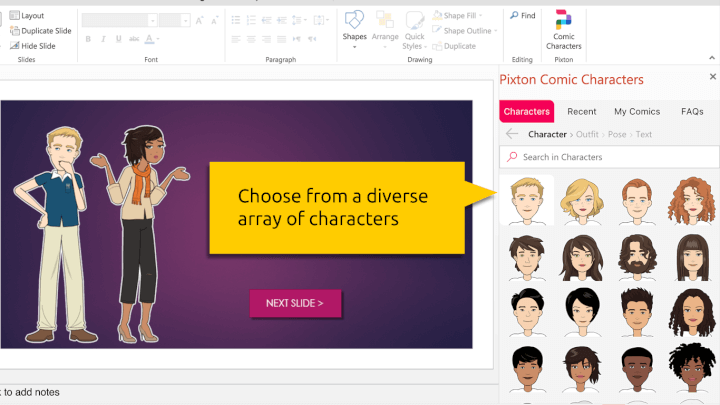
Pixton Comic Characters: Choose from >40,000 illustrated characters and use them as pedagogical aids in your ppt. The preset characters come in different ages, ethnicities, & genders. You can even customize each character with a clothing style & pose. Here:appsource.microsoft.com
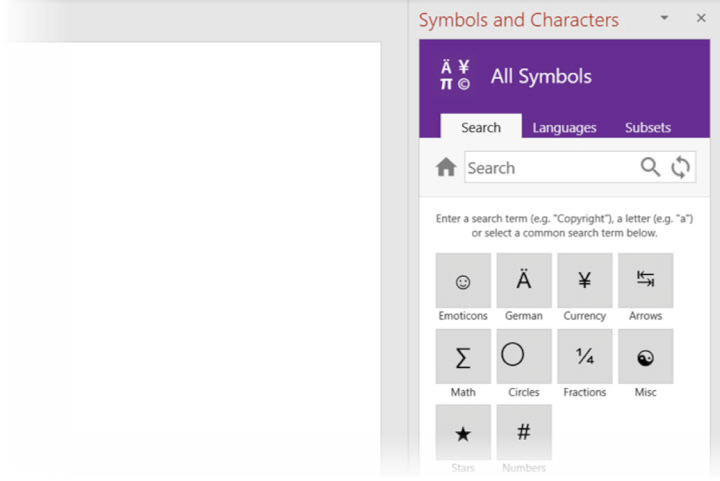
Symbols and Characters: The free add-in makes it easy to search and use diacritics, special characters, and symbols in PowerPoint slides. Here: appsource.microsoft.com
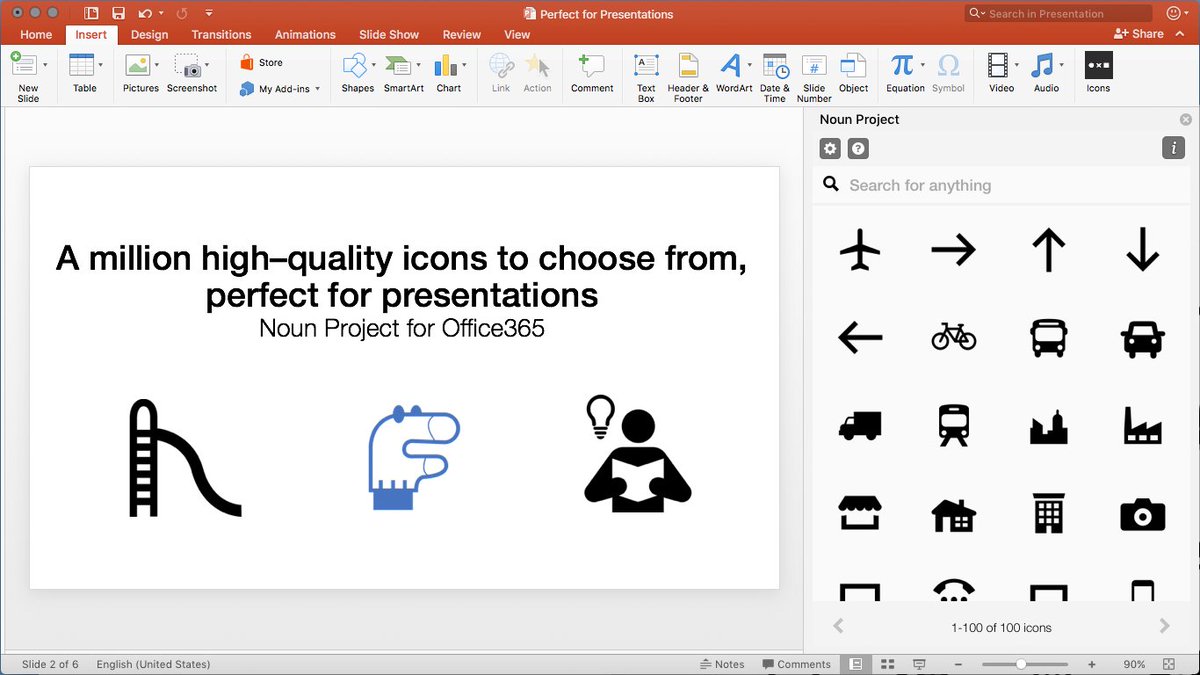
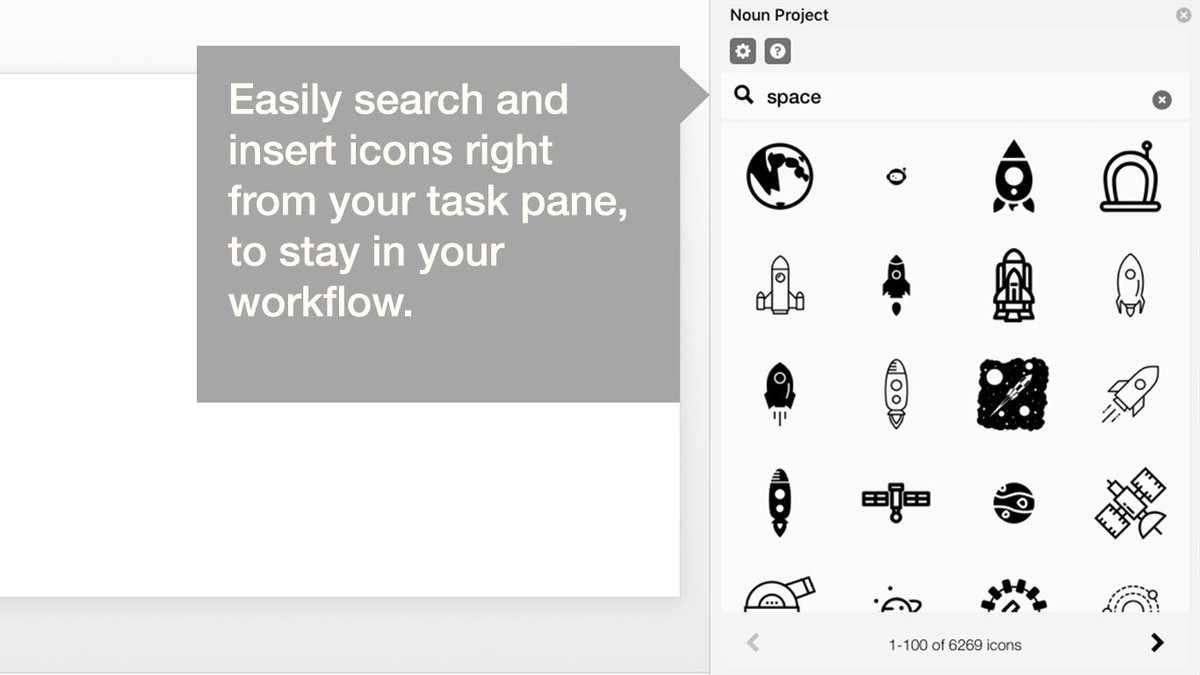
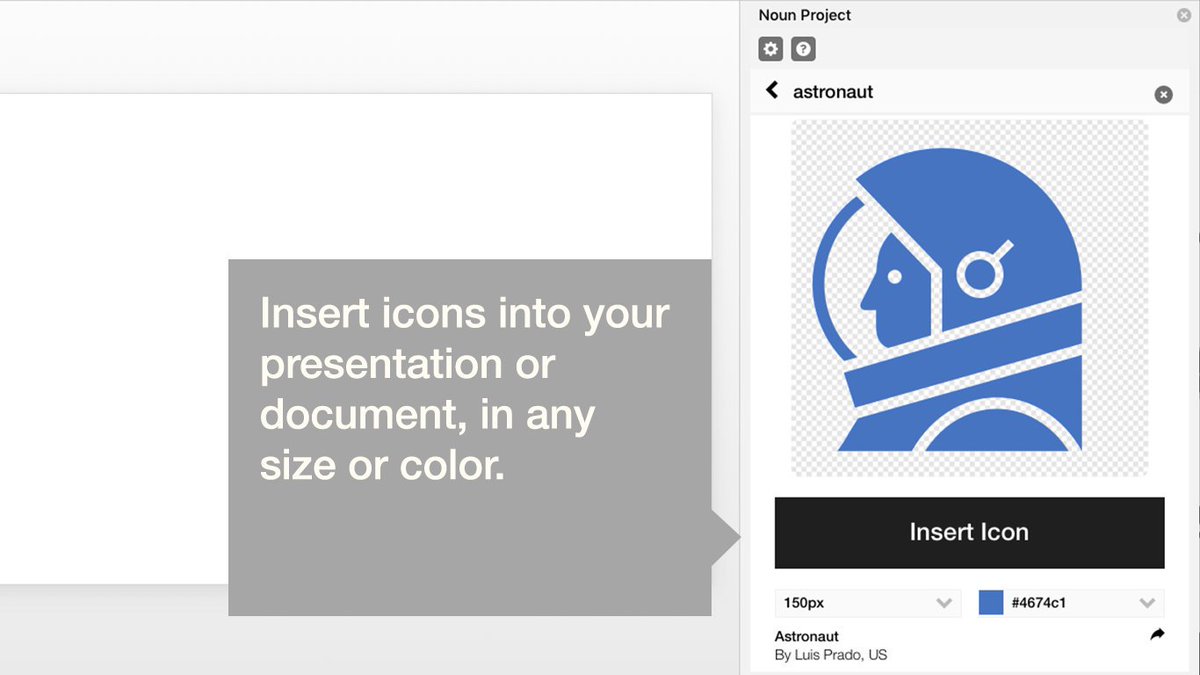
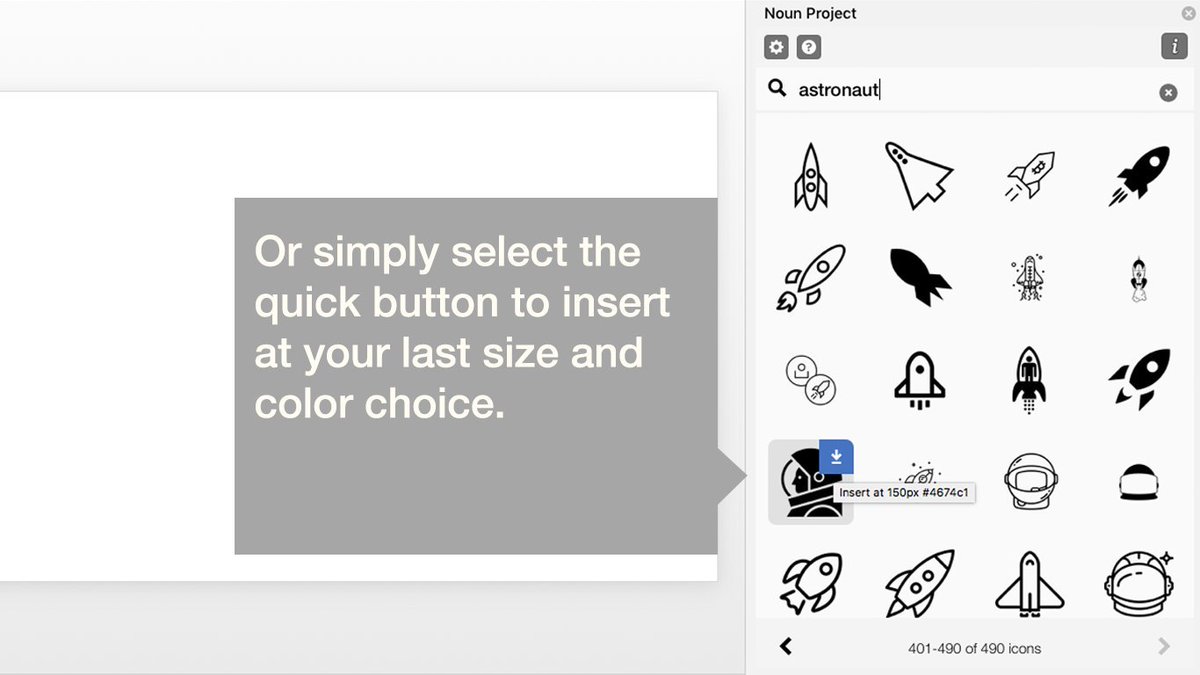
Icons by Noun Project: Choose from a huge collection of high-quality icons, quickly add color and edit image size. Here: appsource.microsoft.com
Brightslide: Similar to Poweruser, this is an “all in one” add-in to help you create, polish, and edit presentations at speed. Honestly, you either need this or Poweruser- both are overkill. Here: brightcarbon.com
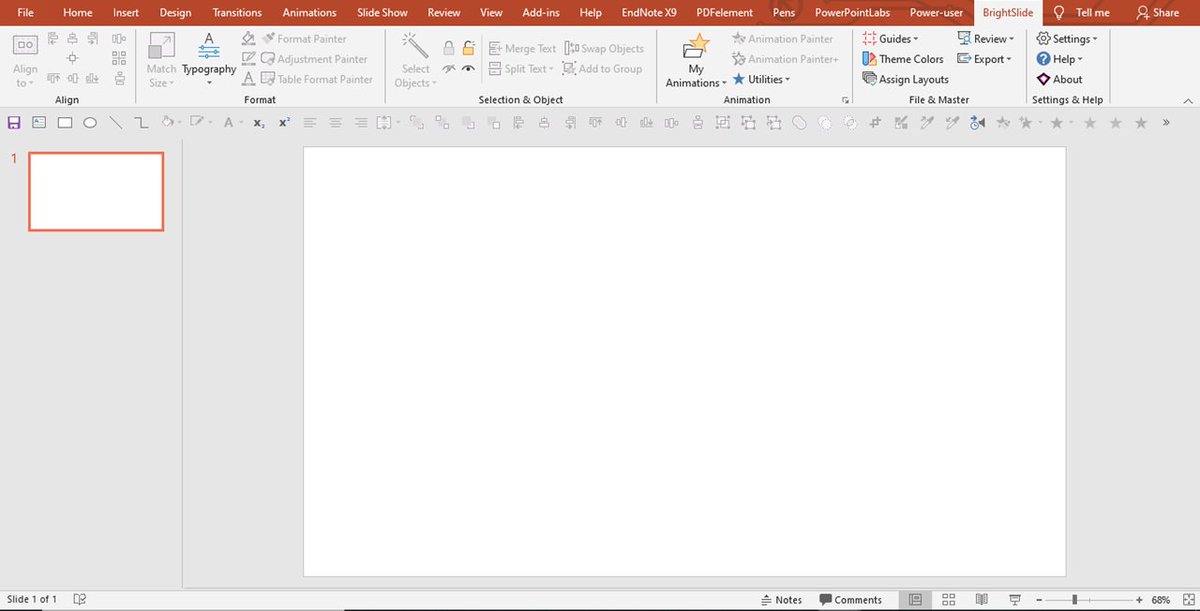
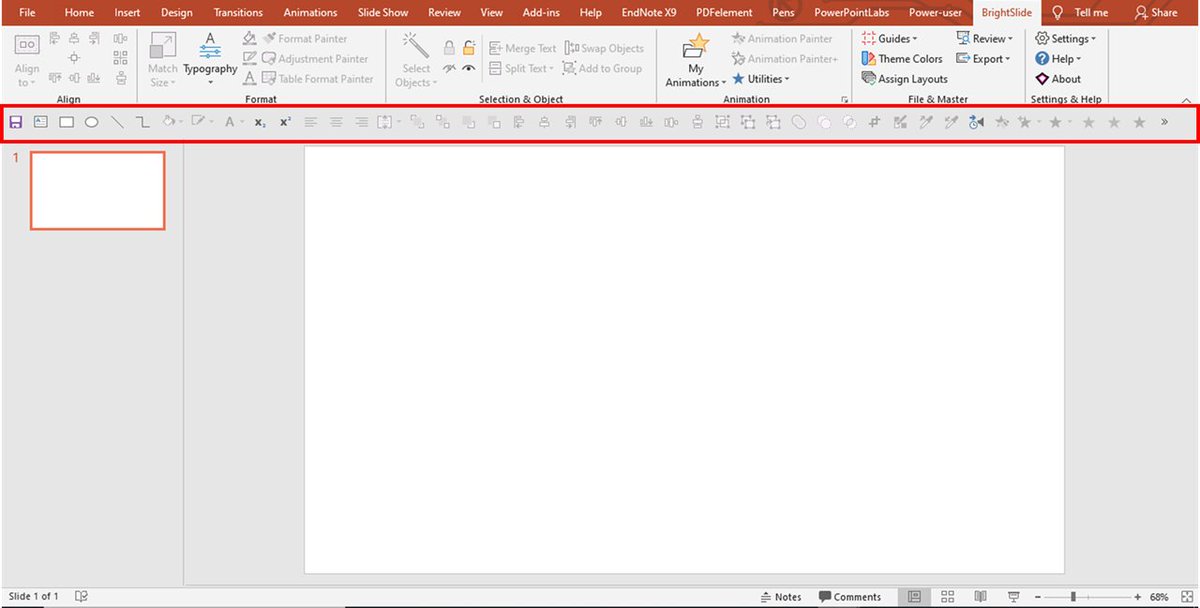
Quick access PowerPoint toolbar: All of the quick-access tools you need in one place! This toolbar contains lots of tools I use on a day-to-day basis, such as alignment, grouping, object positioning, & animation tools. Here: brightcarbon.com
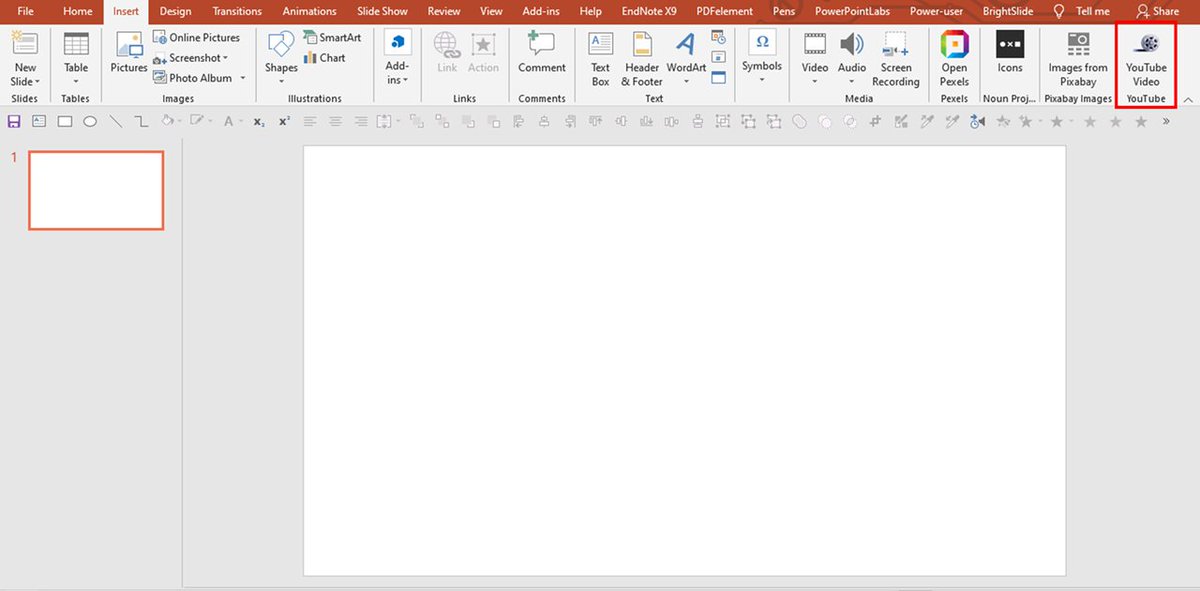
Youtube Video Wizard: Use this to insert YouTube videos into a PowerPoint slide easily. All you need to do is to provide the YouTube video URL that appears in the browser address bar, the rest is taken care of! Here: skp.mvps.org
جاري تحميل الاقتراحات...